

School hallway with lockers and a copier alcove

K–12 Schools

Bring visibility and control to the entire school print environment.

K–12 print environments often span classrooms, administrative offices, departments, campuses and shared spaces, with equipment, contracts, service and costs acquired at different times and managed by different people. Revolution Office helps schools understand the full environment, simplify how it is managed, improve service and security, and identify opportunities to reduce unnecessary cost.

One clearer view for the business office. Less to manage for IT. A better experience across campus.

Documented K–12 Results

Results from real school environments.

Independent school · 20-device fleet

Sierra Canyon School

Average service response time cut from six hours to three, with uptime raised to 98%.

$195,000documented savings 98%uptime
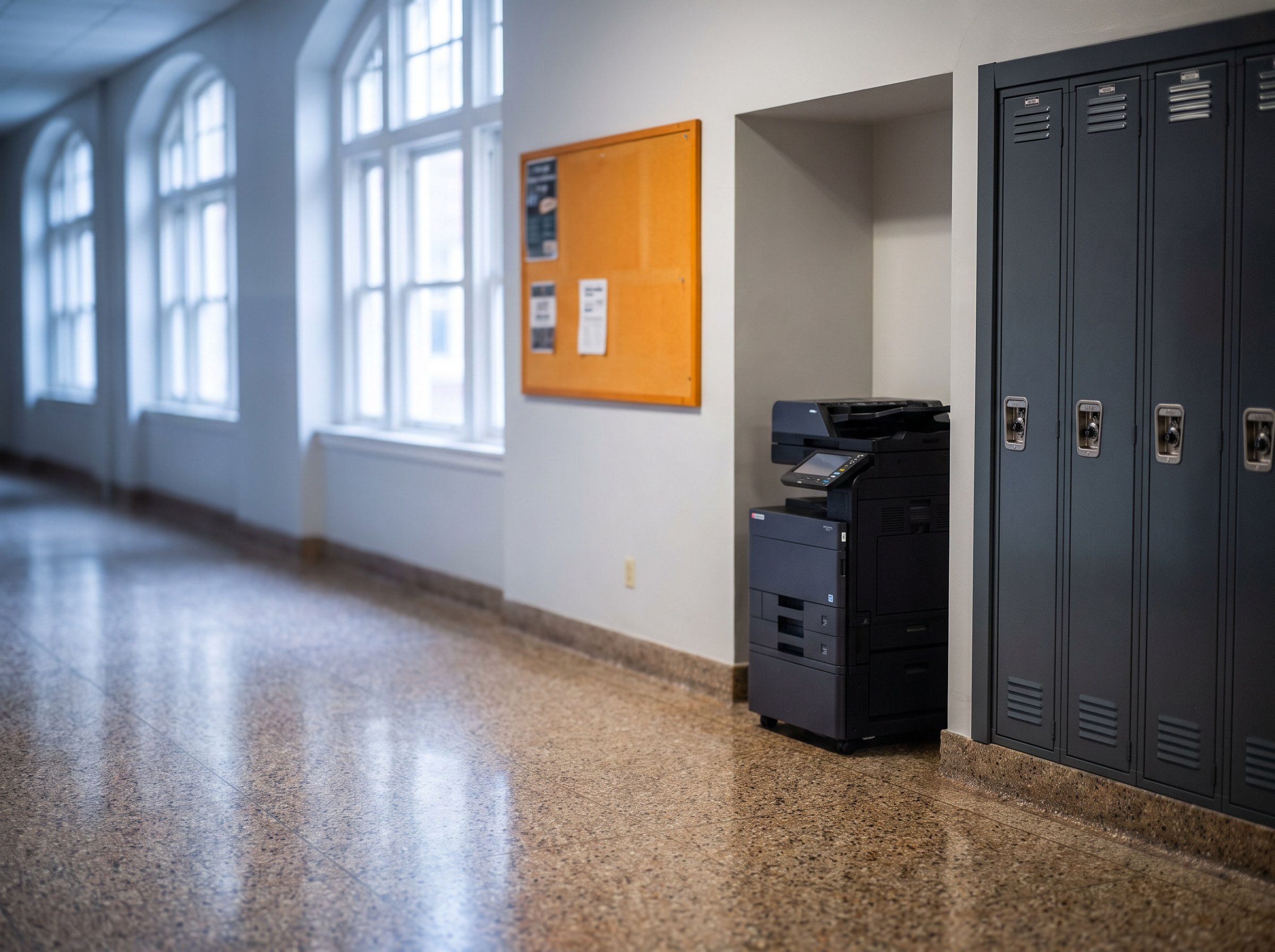
Independent school · K–12, around 900 students

Head-Royce School

Multiple contracts and vendors simplified to a single invoice, with a fully refreshed fleet, automated toner replenishment and PaperCut print management.

$155,000documented savings 100%refreshed fleet

Read the story (PDF)

Independent school

Turning Point School

Multiple brands, contracts, allowance pools and invoices consolidated under one agreement while the school was still carrying an existing lease.

$120,000documented savings 45%reduction

Independent school · Los Gatos

Hillbrook School

Devices matched to measured usage and the available space, with a single invoice and automated toner replenishment.

$105,000documented savings

See More Success Stories

In Their Words

What school leaders say.

The Revolution Office team has been very creative in designing customized and unique solutions for our school. They are incredibly responsive and have delivered a customer experience well beyond my expectations.

Richard Shapiro
CFO, Sierra Canyon School

Revolution Office lowered our costs by $155,000, improved our service, and reduced the administrative burden of multiple contracts with multiple vendors.

Jerry Mullaney
CFO/COO, Head-Royce School

We were in the middle of an existing copier lease and we thought we were stuck with our high costs. Revolution Office surprised us with a solution that included the payoff of our remaining obligation, an upgraded fleet of devices and a 45% reduction in cost.

Julia Yzaguirre
Chief Financial Officer, Turning Point School

What We Find

Why school print environments become difficult to manage.

School print environments grow over time across classrooms, departments, offices and campuses. Equipment and agreements are often added for immediate needs without anyone stepping back to evaluate the environment as a whole.

Decentralized Budgets and Ownership

Copiers and printers may be funded by different departments, programs or campuses, making total cost difficult for the business office to see.

Equipment Added Over Time

Devices are purchased, leased or inherited at different times, creating an inconsistent mix of models, ages, contracts and service arrangements.

Underused and Overworked Devices

Some devices operate well below their capacity while others handle volumes or applications they were not designed for.

IT Carrying the Print Burden

Driver issues, toner, service coordination and device troubleshooting can consume time from small technology teams with more strategic priorities.

Student and Staff Information at Shared Devices

Print and scan devices may handle sensitive student, employee or financial information and should be included in the school’s broader security strategy.

Limited Campus-Wide Reporting

Without consolidated utilization, cost and service data, leadership may have limited visibility into how the fleet is performing across departments and campuses.

Built Around School Operations

Finance, technology and operations need the same picture.

The strongest school print environments work when the business office, IT and operational leadership are working from the same data. The assessment gives each group visibility into the environment from its own perspective.

Business Office
  • Total cost
  • Contracts and lease obligations
  • Budget visibility
  • Financial comparison
  • Reporting
Technology
  • Device standardization
  • Drivers and print management
  • Security
  • Service issues
  • Monitoring
  • User support
Operations
  • Equipment placement
  • Supplies
  • Service coordination
  • Reliability
  • Campus requirements

See How the Assessment Works

What Changes

A school print environment designed around how the campus actually operates.

Better Financial Visibility

Document devices, agreements, volumes and operating costs across the environment so the business office has a clearer view of the total picture.

See How the Assessment Works

Right-Sized, Standardized Technology

Retain, relocate, replace or consolidate equipment based on measured demand, workflow and reliability, not simply lease expiration.

Explore Office Technology

Implementation Around the Academic Calendar

Plan deployment around school schedules, network requirements, training and business continuity to minimize disruption.

Less Work for IT

Use automated monitoring, supply management and centralized service coordination to reduce routine fleet administration.

Explore Monitoring & Supply

Stronger Print Management & Security

Apply secure release, authentication, print policies and reporting where appropriate to the school’s requirements.

Explore Print Management & Security

Ongoing Optimization

Review utilization, lifecycle, service and cost data as enrollment, staffing, programs and campus requirements change.

Explore Fleet Optimization

Explore Managed Print Services

Implementation Planning

The academic calendar matters.

A technology transition in a school environment has to account for instructional schedules, summer access, network configuration, staff availability and the opening of the next school year. Revolution Office works with school leadership and IT to plan implementation around the organization’s calendar and operating requirements.

Many schools prefer major transitions during summer or other lower-impact periods, but implementation should be planned around the school’s actual calendar and requirements.

  • Confirm campus/site schedule
  • Coordinate network and driver requirements
  • Stage device deployment
  • Plan training
  • Minimize interruption to faculty/staff
  • Validate readiness before high-demand periods
Students working in a classroom

Print Management & Security

Shared devices should be part of the school’s security strategy.

Schools may use shared printers and multifunction devices for student records, employee information, financial documents and other sensitive content. Revolution Office can evaluate print-management and device-security requirements and recommend controls appropriate to the environment.

Potential controls may include:

  • Secure print release
  • User authentication
  • Print policies
  • Usage reporting
  • Audit capabilities
  • Device security settings
  • Appropriate data-storage controls
  • PaperCut or PrinterLogic where appropriate

Explore Print Management & Security

Less for IT to Manage

Printers shouldn’t consume the technology team’s time.

Automated meter collection, supply monitoring, centralized service coordination and ongoing fleet management can reduce routine administrative work and give school IT teams more time for instructional technology, cybersecurity, infrastructure and other priorities.
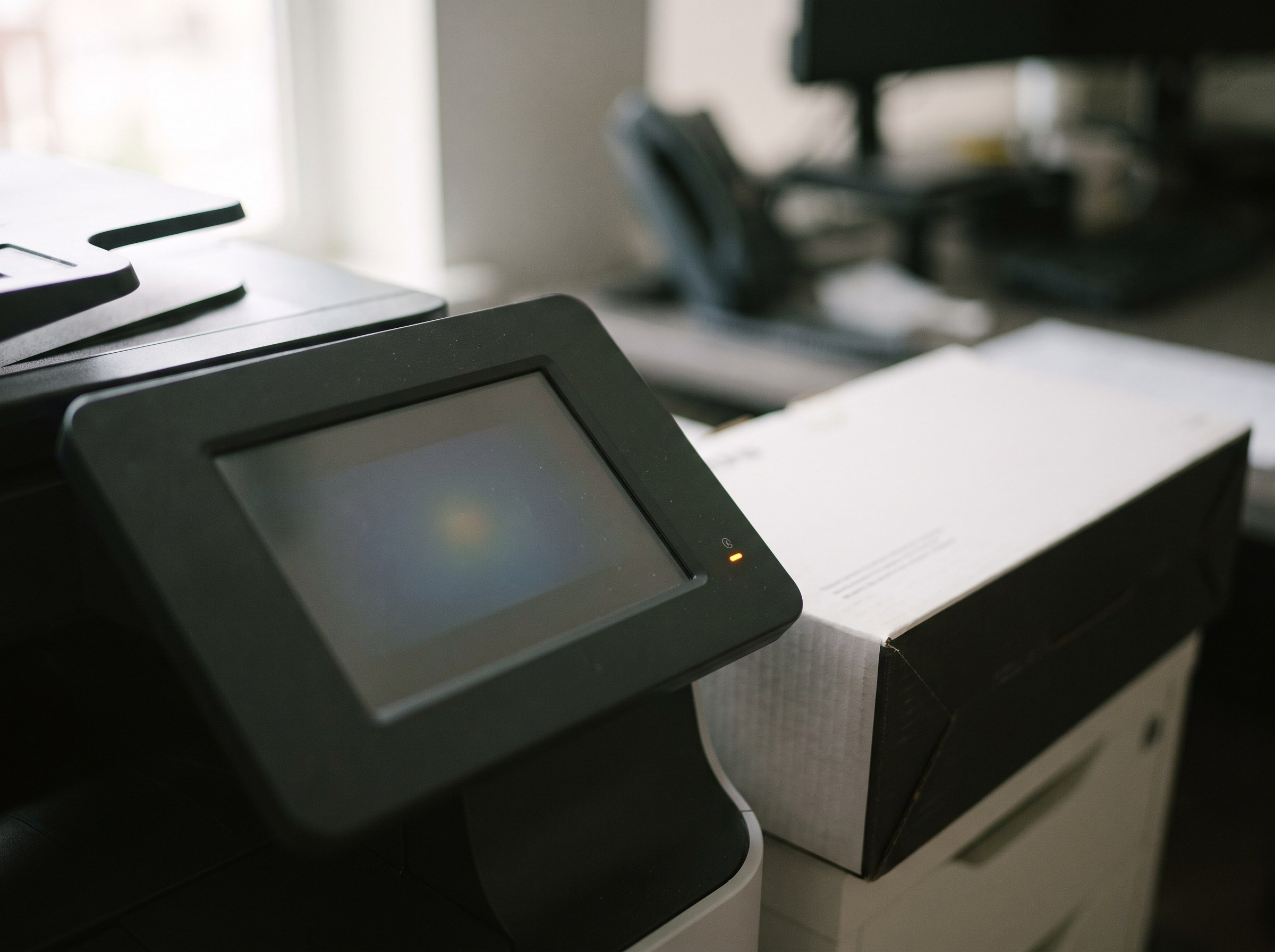
Multifunction printer control panel with a status light

Multi-Campus Management

One clearer view across campuses and departments.

Schools with multiple campuses, divisions or administrative locations can end up with different devices, contracts, service experiences and support processes. Revolution Office helps bring those environments into a more coordinated structure with centralized reporting and accountability.

Potential benefits:

  • Consolidated reporting
  • Coordinated service
  • Standardized technology
  • Centralized supply management
  • Defined escalation
  • Lifecycle planning across locations

Explore National Service & Support

Beyond Print

School workflows don’t stop at the device.

Admissions, finance, HR, student records and administrative processes often include document capture, scanning, routing and approvals. Revolution Office can evaluate those workflows and identify opportunities for document management and automation where appropriate.

Examples may include:

  • Scan workflows
  • Student/administrative document routing
  • HR forms
  • Finance/AP workflows
  • Document repositories
  • Approval processes
A document handed across a conference table

K–12 Experience

Schools that have trusted Revolution Office.

Harvard-Westlake School
Head-Royce School
Marlborough School
Media-Providence Friends School
San Francisco Friends School
Sierra Canyon School
Turning Point School
The Carey School

Common Questions

Questions schools ask

How do you measure print costs when budgets are spread across departments?

We document the devices, volumes, agreements, service and supply costs across the environment and reconcile the information into a current-state analysis. Findings can then be organized by campus, department or other useful business structure so leadership has a more complete view of the environment.

Can implementation happen over the summer?

Yes. Many schools prefer major technology transitions during summer or another lower-impact period. Revolution Office plans deployment around the school’s academic calendar, network requirements, staff availability, training and business-continuity needs.

How do you handle student and faculty printing?

Print-management technology can help schools control user access, secure sensitive output, apply print policies and gain better reporting into usage. Revolution Office works with technologies including PaperCut and PrinterLogic and recommends the platform and configuration based on the school’s infrastructure, users, security requirements and workflows.

We’re mid-lease. Can a school still make a change?

Yes. Existing lease obligations are evaluated during the assessment and incorporated into the future-state economics. Depending on the situation, the best strategy may involve an earlier transition, phased replacement or retaining equipment until the economics support a change. Turning Point School is one documented example of a school that successfully changed environments while still carrying an existing lease obligation.

Can you support multiple campuses?

Yes. Revolution Office supports multi-campus environments with centralized service coordination, supply management, reporting and account ownership across the managed program.

Do we have to replace all our equipment?

No. Existing equipment is evaluated based on utilization, age, reliability, security, workflow and financial considerations. If a device continues to meet the school’s requirements, the recommendation may be to keep it.

Can you help with document workflows beyond printing?

Yes. Revolution Office provides Document Workflow & Automation solutions that can support scanning, capture, document management, routing, approvals and other digital workflows where appropriate to the school’s requirements.

What does the Managed Print Assessment cost?

Nothing. The Managed Print Assessment is provided at no cost and without obligation. We document the current environment, identify opportunities for improvement and develop a data-backed future-state recommendation. You keep the analysis whether or not you move forward with Revolution Office.

The First Step

See your entire school print environment in one place.

Start with a no-cost Managed Print Assessment. We’ll document the devices, costs, utilization, agreements and requirements across the environment, identify opportunities for improvement, and show you what a better-managed future state could look like.

  • No cost
  • No obligation
  • You keep the analysis