
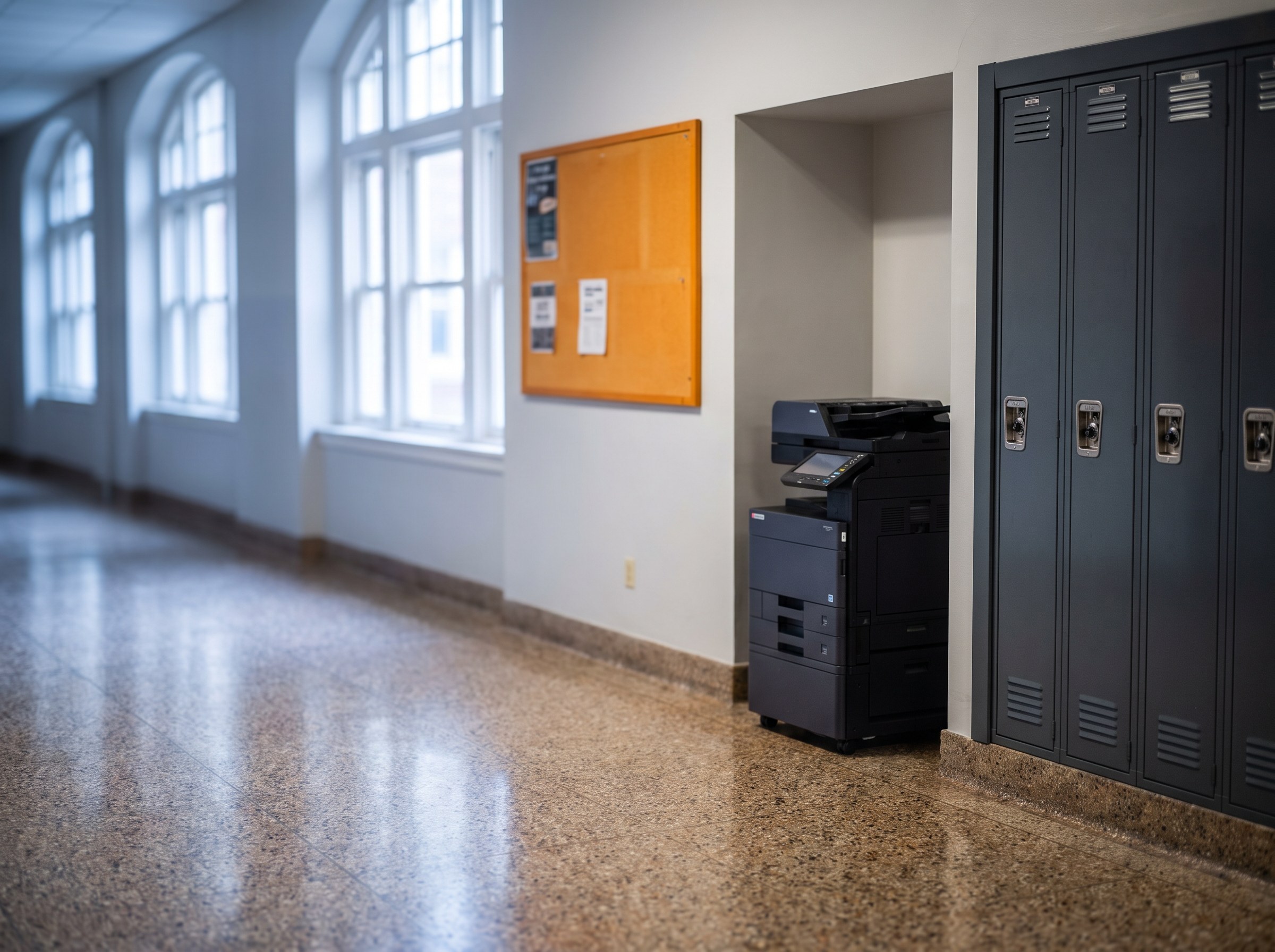
School hallway with arched windows, lockers and a copier alcove
ACSI mark

ACSI Strategic Partner · Association of Christian Schools International

Manage print with the same stewardship you bring to the rest of your school.

Christian schools work hard to direct resources toward students, teachers and mission. Revolution Office helps ACSI member schools understand what their copier and printer environments actually cost, improve reliability, reduce unnecessary administrative work and build a better-managed technology environment.

Revolution Office is also proud to serve ACSI itself as a customer.

Better stewardship. More reliable technology. Less for your staff to manage.

A no-cost starting point for ACSI member schools.

A Partnership Built on Experience

ACSI doesn’t just partner with Revolution Office. ACSI is also a customer.

Revolution Office supports ACSI as a customer in addition to serving as an ACSI Strategic Partner. That gives us a relationship built not only around member outreach, but around ACSI’s own experience working with our team.

Christian Education Experience

Serving Christian schools and educational organizations.

St. Stephen’s Episcopal Day School

Documented savings

$82K
Biola University

Printers and copiers documented in the managed environment

178

Blue Ridge Christian School

New Revolution Office customer

2026

ACSI

Revolution Office serves ACSI itself

Customerand Strategic Partner

Christian Schools & Educational Organizations We Serve

Association of Christian Schools International (ACSI)
Biola University
St. Stephen’s Episcopal Day School logo
Blue Ridge Christian School logo
James Island Christian School logo
DP Christian School / Desert Place Learning Academy

What We Find

Resources can disappear into the print environment one small decision at a time.

Costs Spread Across the School

Copiers, printers, supplies and service may sit across administrative, classroom and departmental budgets without one complete view of what the environment costs.

Equipment Carried Forward for Years

Devices can remain in service through leadership changes, budget cycles and successive contracts without being re-evaluated against current needs.

Small Technology Teams Supporting Everything

Printer issues, drivers, toner and service coordination can become additional work for technology staff already responsible for the school’s broader infrastructure.

Devices Purchased Outside a Standard

Departmental and classroom printers may be acquired independently, creating unnecessary variation in equipment, supplies and support.

Sensitive Information at Shared Devices

Student, employee, financial and administrative information may pass through shared printers and multifunction devices that should be considered as part of the school’s broader security strategy.

Unpredictable Service

Recurring downtime can disrupt classrooms and administrative operations while consuming staff time.

Renewal Decisions Without an Independent Baseline

Schools may receive a new equipment proposal without first establishing what the current environment actually costs or what should change.

No Ongoing Fleet Strategy

Without regular utilization and lifecycle review, the environment can gradually drift back into unnecessary cost and complexity.

The Managed Print Assessment

We start with the school, not a quote.

Before recommending equipment, Revolution Office documents the environment the school already has and evaluates how well it supports current educational, administrative and technology requirements.

Depending on the Environment, We Evaluate
  • Device inventory
  • Make/model/location
  • Device age
  • Utilization
  • Meter/volume data
  • Service performance
  • Supply requirements
  • Current lease obligations
  • Existing print-management technology
  • Technology support burden
  • Department/workgroup requirements
  • Current costs
  • Lifecycle requirements
Then We Develop
  • Current-state analysis
  • Right-sizing opportunities
  • Equipment worth retaining
  • Standardization opportunities
  • Service and supply-management improvements
  • Future-state recommendation
  • Financial analysis
  • Implementation considerations

No cost. No obligation. You keep the analysis.

See How the Assessment Works

What Changes

A better-managed environment supports better stewardship.

Greater Cost Visibility

Understand the complete environment before committing resources to another equipment agreement.

More Reliable Technology

Evaluate aging, unreliable and poorly utilized devices and build the future state around actual school requirements.

Less Administrative Work

Automated monitoring, supply replenishment and centralized service coordination can reduce routine print administration for business-office and technology teams.

More Intentional Standardization

Reduce unnecessary variation in equipment, supplies and support while retaining devices that still make sense.

Stronger Print Management

Where appropriate, technologies such as PaperCut and PrinterLogic can support authentication, reporting and greater control over the environment.

Ongoing Fleet Management

Continue reviewing utilization, reliability and lifecycle so the environment remains aligned with the school’s needs over time.

Christian School in Practice

St. Stephen’s Episcopal Day School · Episcopal day school · Pre-Kindergarten through Grade 5

St. Stephen’s Episcopal Day School: better technology at a lower cost.

School Context
St. Stephen’s Episcopal Day School was founded by parishioners committed to an Episcopal education combining academic excellence with values and ethics.

  • $1,300/monthSavings
  • $82,000Savings over the agreement term

What we found

  • Aging copier technology was disrupting operations, creating recurring downtime and adding unnecessary stress for the school’s IT support team. The school also believed it was overpaying its previous provider.

What we recommended

Revolution Office upgraded the environment with Ricoh multifunction devices and Brother desktop printers, managed the transition and implemented Printanista and PaperCut.

Read the St. Stephen’s Success Story

Christian Education at Scale

Experience extends beyond a single school campus.

Biola University: following a comprehensive on-site assessment, Revolution Office replaced 13 aging console devices and assumed full service and support for the entire 178-device fleet.

178
Printers and copiers documented
13
Aging console devices prioritized for replacement
22 years
Age of the oldest device identified in the original environment

Christian School Experience

A growing footprint in Christian education.

Blue Ridge Christian School

New Revolution Office customer in 2026.

James Island Christian School

New Revolution Office customer.

DP Christian School / Desert Place Learning Academy

Current Revolution Office customer.

ACSI

Strategic Partner and Revolution Office customer.

Stewardship

Every operating dollar should serve the school’s priorities.

Print is necessary infrastructure, but unnecessary cost, overcapacity, avoidable downtime and manual administration do not advance the school’s mission. A Managed Print Assessment helps leadership identify where resources may be tied up in an environment that no longer fits the school.

Reduce Unnecessary Cost

Identify excess capacity, inefficient contracts and equipment that no longer fits actual use.

Protect Staff Time

Reduce service coordination, toner ordering and routine fleet administration.

Plan More Intentionally

Base future equipment decisions on utilization and need rather than simply the next lease expiration.

Keep Resources Focused on Mission

Redirect savings and staff attention toward the educational priorities determined by the school.

Don’t Wait for the Lease to Ask the Question

Existing obligations don’t prevent you from measuring the opportunity.

The Managed Print Assessment incorporates existing leases and service obligations into the financial analysis. Depending on the economics, the appropriate strategy may be to transition now, phase the change or retain selected equipment until later.

Revolution Office frequently evaluates opportunities while customers are still under existing lease obligations.

The assessment analysis handed across a conference table

Print Management & Security

Protect student and school information at the point where it is printed.

Christian schools handle student records, employee information, financial documents and other sensitive content. Printers and multifunction devices should be considered within the school’s broader technology and information-security strategy.

At St. Stephen’s Episcopal Day School, PaperCut was implemented as part of the upgraded environment.

Depending on requirements, capabilities can include:

  • Secure print release
  • User authentication
  • Department/user reporting
  • Usage policies
  • PaperCut
  • PrinterLogic
  • Device-security configuration
  • Firmware/lifecycle management
  • Appropriate end-of-life data handling

Less to Manage

Routine printer administration shouldn’t compete with the work your staff was hired to do.

Where supported, device monitoring can automate meter collection and supply replenishment while giving Revolution Office greater visibility into fleet status and utilization.
  • Automated toner replenishment
  • Meter collection
  • Device monitoring
  • Service coordination
  • Supply visibility
  • Fleet reporting
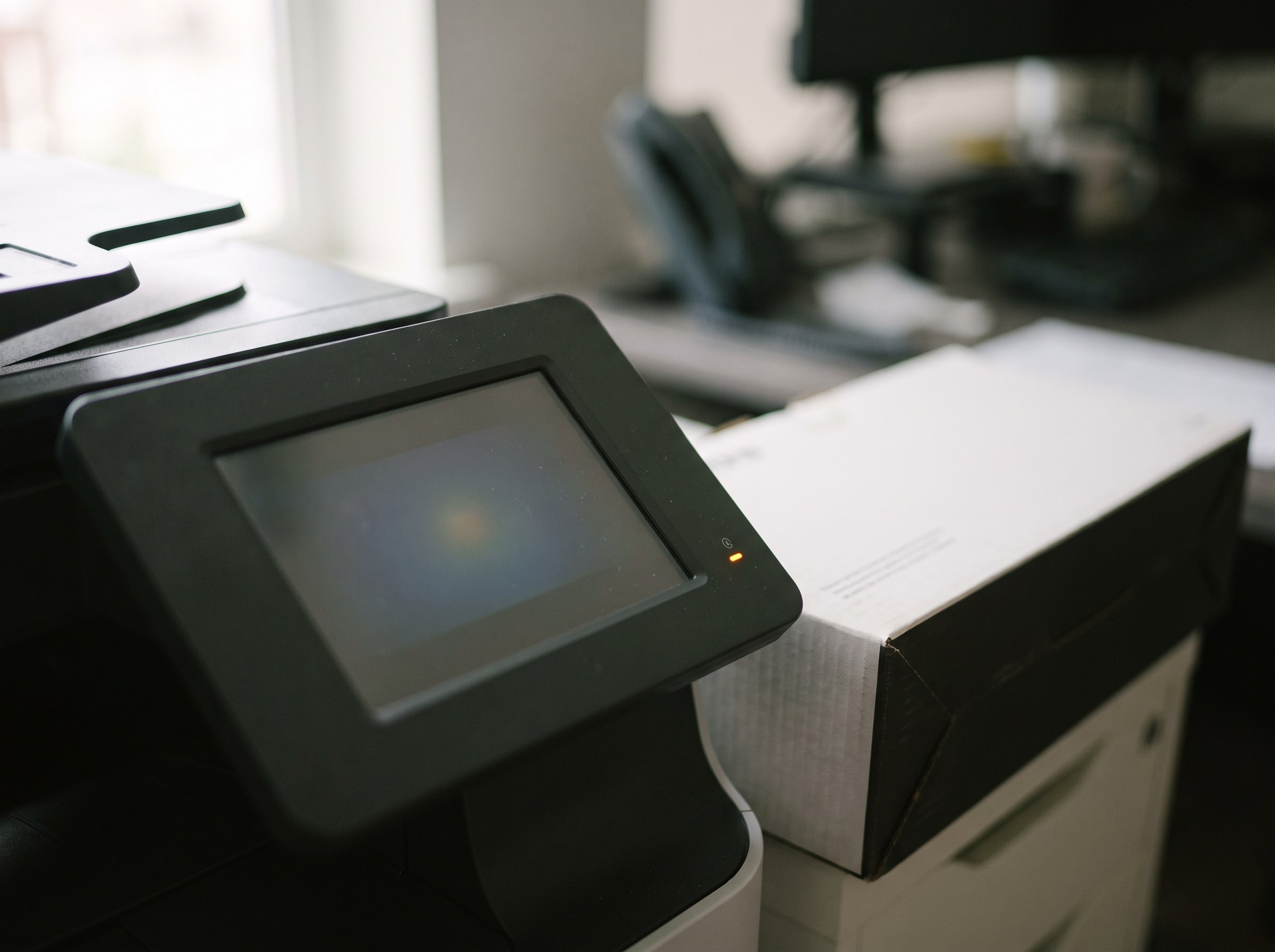
Multifunction printer control panel with a status light and a toner box

A huge bonus has been the cost savings. Revolution Office’s approach has saved us thousands of dollars compared to our old contract. It’s not often you can say that upgrading your equipment actually saved money.

Felix Jacomino, Director of Technology, St. Stephen’s Episcopal Day School

Read the St. Stephen’s Success Story

Trusted by ACSI

The organization behind the partnership is also a customer.

ACSI works with Revolution Office not only as a Strategic Partner but also as a customer. That firsthand experience gives the partnership an additional level of credibility for member schools evaluating whether Revolution Office may be a fit for their own environment.

Association of Christian Schools International (ACSI)

K–12 Schools

Looking for the broader K–12 picture?

This page focuses on Christian schools and the ACSI partnership. The K–12 Schools page covers Revolution Office’s wider education-sector capabilities.

ACSI Member Questions

What Christian school leaders ask us.

What is Revolution Office’s relationship with ACSI?

Revolution Office is an ACSI Strategic Partner supporting Christian schools with Managed Print Services, office technology and a data-driven assessment process. Revolution Office also serves ACSI itself as a customer.

What do ACSI member schools receive through the program?

Members can begin with a no-cost Managed Print Assessment. We document the existing environment, evaluate utilization, costs, service, supplies and current obligations, and develop a data-backed future-state recommendation. You keep the analysis whether or not you move forward.

Does requesting an assessment obligate our school to buy anything?

No. The assessment is provided at no cost and without obligation.

Do we have to replace all our equipment?

No. Existing equipment is evaluated based on utilization, age, reliability, workflow, supportability and economics. Devices that continue to meet the school’s needs can remain in the managed environment.

We’re still under a copier lease. Can we still evaluate our options?

Yes. Existing obligations are incorporated into the financial analysis. Depending on the economics, the right approach may be to make a change now, phase the transition or retain equipment until later in the agreement.

Do you already work with Christian schools?

Yes. Revolution Office serves Christian educational organizations including ACSI itself, St. Stephen’s Episcopal Day School, Biola University and other Christian schools.

Can you manage PaperCut and other print-management technology?

Yes. Revolution Office supports technologies including PaperCut and PrinterLogic. At St. Stephen’s Episcopal Day School, PaperCut and Printanista were implemented as part of the upgraded environment.

Can you support multiple campuses or locations?

Yes. Revolution Office supports distributed organizations nationally with centralized service coordination, fleet reporting and ongoing management while accounting for the needs of individual locations.

What does the assessment cost?

Nothing. There is no obligation, and you keep the analysis.

A Good Place to Start

See whether more of your print budget could be serving your school’s priorities.

Start with a no-cost Managed Print Assessment. Revolution Office will document the environment you have today, identify opportunities to improve cost, reliability and management, and show you what a better future state could look like.

  • No cost
  • No obligation
  • You keep the analysis