

Technology company open office with a shared multifunction device

Technology

Keep the print environment aligned with a business that keeps changing.

Technology organizations change quickly, through growth, acquisitions, office moves, consolidation and evolving workplace strategies. Printers, contracts and service arrangements often remain long after the environment around them has changed. Revolution Office helps bring visibility, standardization and ongoing management to the entire print environment.

A more flexible fleet. Less for IT to manage. Better visibility as the business changes.

Built to change with the business

Technology in Practice

What happened when two environments became one.

Organizations typically save 20–50% on their copier and printer environments with Revolution Office, even when they’re in the middle of an existing lease.

Xperi

Documented savings

$215,000

Xperi

Cost reduction

34%

Xperi + TiVo

Two print environments brought under one coordinated program following the acquisition

2 → 1

See More Success Stories

What We Find

The business changed. The print environment didn’t.

Redundant Equipment After Growth or M&A

Acquisitions, office consolidations and organizational changes can leave overlapping devices, contracts and service relationships in place.

Equipment Sized for Yesterday’s Office

Headcount, floor plans and work patterns change while devices remain configured for the environment that existed when the contract began.

Too Many Models and Standards

Departmental purchasing and inherited technology can create unnecessary variation in devices, supplies, drivers and support requirements.

Aging Devices Creating IT Work

Older or unreliable equipment generates service issues, user complaints and support tickets that eventually find their way to IT.

Multiple Contracts and Renewal Dates

Different offices and acquired companies may carry separate leases, service agreements and lifecycle schedules.

Shared Devices Outside the Security Conversation

Printers and multifunction devices may process confidential business, employee, financial or intellectual-property-related information but receive less attention than other network endpoints.

Limited Fleet Visibility

Leadership may lack a consolidated view of equipment, utilization, lifecycle, cost and service performance across locations.

No Ongoing Governance

Without continual review, even a well-designed environment can drift as offices, teams and requirements change.

Built for Change

The future state shouldn’t assume the company will stay the same.

Technology organizations rarely remain static for the length of a traditional equipment contract. Headcount changes. Offices expand or contract. Teams move. Companies acquire and divest businesses. Workplace strategies evolve.

The Managed Print strategy should be designed with that reality in mind.

Growth

Add capacity where utilization supports it rather than automatically adding another device.

Consolidation

Reevaluate equipment as offices, teams or floors combine.

Acquisition

Assess inherited fleets, contracts and technology before forcing them into an existing standard.

Workplace Change

Adjust device placement and fleet size as onsite work patterns and office requirements evolve.

Explore Office Technology

What Changes

A print environment that is easier to govern and easier to change.

Complete Fleet Visibility

See equipment, utilization, costs, service performance and lifecycle status across locations.

Right-Sized Technology

Retain, relocate, consolidate or replace equipment based on actual usage and current business requirements.

Greater Standardization

Reduce unnecessary variation in devices, drivers, supplies and support while preserving specialized requirements where they make sense.

Less Work for IT

Automate routine monitoring, supply replenishment and meter collection while centralizing service coordination.

Stronger Security

Evaluate print-management and device-security controls as part of the broader technology environment.

Contract & Lifecycle Visibility

Understand current obligations and establish a more intentional lifecycle strategy rather than allowing lease dates alone to dictate decisions.

Ongoing Optimization

Continue evaluating utilization, reliability and business changes so the fleet evolves with the organization.

Explore Managed Print Services

Mergers & Acquisitions

Two companies shouldn’t mean two permanent print environments.

An acquisition can bring duplicate devices, different manufacturers, multiple service providers, overlapping leases and competing technology standards. Revolution Office can assess both environments and develop a transition strategy based on utilization, contractual obligations and the requirements of the combined organization.

  1. Stage 01

    Document

    Inventory both environments.

  2. Stage 02

    Compare

    Evaluate utilization, technology, cost, lifecycle and obligations.

  3. Stage 03

    Consolidate

    Identify what should remain, move, be standardized or be retired.

  4. Stage 04

    Optimize

    Manage the combined environment going forward.

See How the Assessment Works

Technology in Practice

Xperi + TiVo · Technology

Xperi + TiVo: two environments, one strategy.

Following Xperi’s acquisition of TiVo, Revolution Office evaluated the combined print environment and developed a strategy to right-size and consolidate the fleet rather than simply carrying two legacy environments forward.

The goal wasn’t to replace equipment for the sake of replacement. It was to determine what the combined organization actually needed.

  • $215,000Documented savings
  • 34%Cost reduction
  • 2 → 1Two fleets consolidated into one coordinated program

What we found

  • An aging Xperi copier and printer fleet, with service costs escalating and reliability declining
  • Fleet redundancy and overcapacity introduced by the TiVo acquisition

What we recommended

  • Right-size, refresh and reduce the cost of the TiVo fleet
  • Replace the Xperi fleet for less than the cost of continuing to service the old machines
  • Consolidate the combined copier and printer fleet into a single agreement

IT Governance

IT should govern the environment, not administer every printer.

The print environment is part of the technology infrastructure, but routine fleet administration should not consume the technology team’s time.

IT Retains Visibility Into
  • Device inventory
  • Standards
  • Print-management strategy
  • Security requirements
  • Fleet performance
  • Lifecycle
  • Reporting
Revolution Office Manages
  • Device monitoring
  • Supply replenishment
  • Service coordination
  • Meter collection
  • Fleet reporting
  • Vendor management
  • Ongoing optimization

IT governs it. Revolution Office manages it.

The Changing Workplace

Don’t keep paying for the office you used to have.

Office footprints and onsite work patterns can change significantly over the term of a traditional equipment agreement. A fleet designed around old headcount, floor plans or usage patterns may no longer match the way the company operates.

Revolution Office can evaluate:
  • Current utilization
  • Device placement
  • Floor/office changes
  • Consolidation opportunities
  • Underused equipment
  • Departmental requirements
  • Shared-device access
  • Future growth assumptions
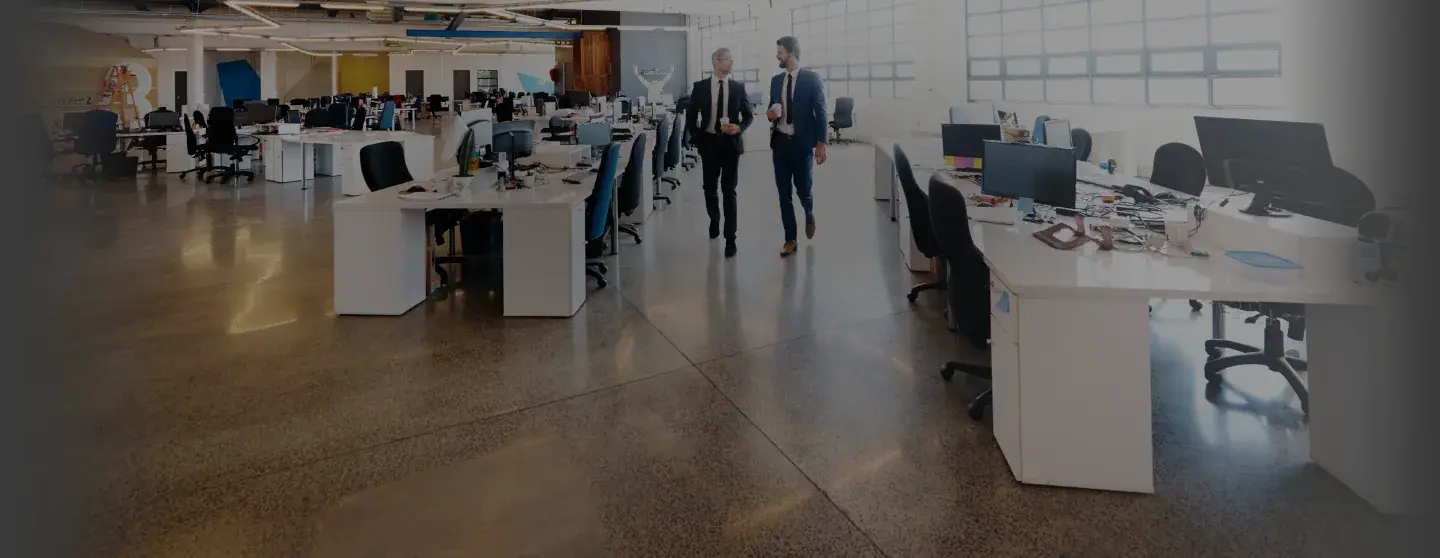
Wide view of a modern open-plan office

Less for IT to Manage

Printers shouldn’t generate help-desk work.

Automated monitoring and supply management can reduce the routine printer administration that otherwise lands on IT, facilities or local office teams.
  • Automated supply monitoring
  • Toner replenishment
  • Meter collection
  • Device-status monitoring
  • Centralized service coordination
  • Fleet utilization data
  • Ongoing reporting
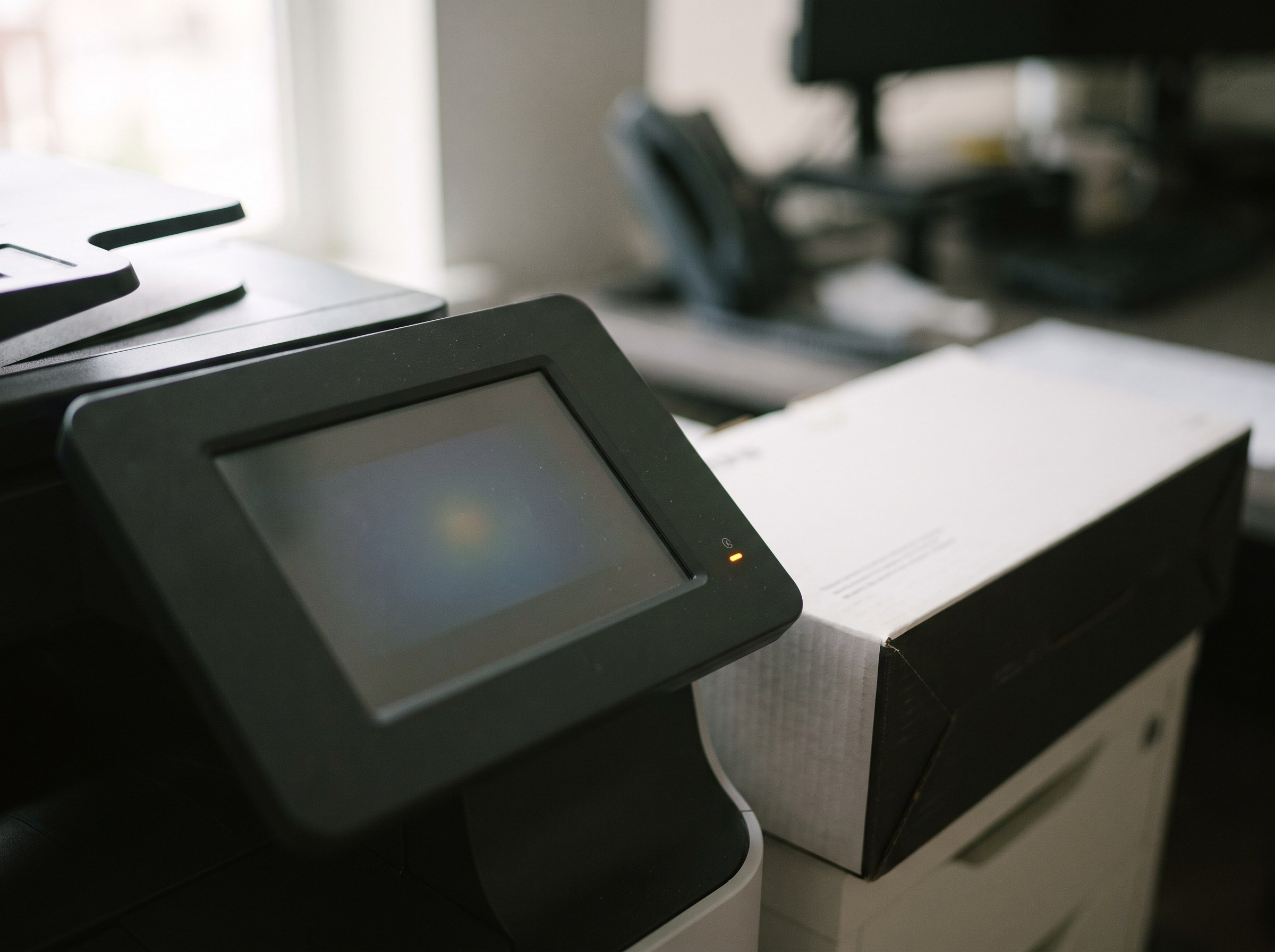
Multifunction printer control panel with a status light and a toner box

Print Management & Security

Treat networked print as part of the technology environment.

Printers and multifunction devices can process confidential business information, employee records, financial documents and other sensitive content. They should be considered within the organization’s broader endpoint, access and data-security strategy.

Depending on requirements, controls may include:

  • Secure print release
  • User authentication
  • Print policies
  • Audit/reporting capabilities
  • Device security configuration
  • Firmware/lifecycle management
  • Data-storage controls
  • PaperCut
  • PrinterLogic

Multi-Location Support

One accountable strategy across locations.

Technology organizations operating across multiple offices should not have to manage an unrelated print strategy, vendor structure and service process in every market. Revolution Office can provide centralized account ownership, service coordination, reporting and fleet management across the managed environment.

  • 95% Uptime Guarantee
  • Four-Hour Average Response Time
Map of the United States with Revolution Office headquarters marked in Chatsworth, California

Beyond Print

Reduce manual document handling where it still exists.

Where paper and scanned documents remain part of HR, finance, legal, procurement or other business processes, Revolution Office can also evaluate opportunities for document management, capture, routing and workflow automation.

Common Questions

Questions technology companies ask

We just completed an acquisition. When should we assess the print environment?

As early as practical. An assessment can identify redundant devices, different contracts, overlapping service relationships and technology standards before the two environments simply become one larger unmanaged fleet.

Our office footprint keeps changing. Can the program adapt?

Yes. Ongoing fleet management allows utilization, placement and lifecycle requirements to be reevaluated as headcount, floor plans, locations and work patterns change.

Do we have to replace everything?

No. Existing equipment is evaluated based on utilization, age, reliability, security, workflow and financial considerations. The recommendation may be to retain, relocate, consolidate, manage or replace individual devices depending on what the environment requires.

Can Revolution Office reduce printer-related IT work?

Yes. Automated monitoring, supply replenishment, meter collection and centralized service coordination can reduce routine fleet administration while still giving IT visibility into standards, security, performance and lifecycle.

How do you address print security?

Revolution Office can evaluate print-management and device-security requirements as part of the broader technology environment. Depending on requirements, controls may include authentication, secure release, print policies, reporting and device-security configuration.

We’re mid-lease with another provider. Can we still make a change?

Yes. Existing lease and service obligations are documented as part of the assessment and incorporated into the future-state financial analysis. Depending on the economics, the best strategy may be to make a change earlier, phase the transition or retain some equipment until the current obligation is closer to expiration.

The recommendation should be driven by the numbers, not simply the contract end date.

What does the Managed Print Assessment cost and what do we receive?

The assessment is provided at no cost and without obligation. Revolution Office documents the current environment, including devices, utilization, costs, agreements, service, supplies and relevant business requirements, and develops a data-backed current-state analysis and future-state recommendation.

You keep the analysis whether or not you choose to move forward with Revolution Office.

The First Step

See whether the print environment still fits the company you are today.

Start with a no-cost Managed Print Assessment. We’ll document the devices, utilization, costs, agreements and requirements across the environment, identify opportunities for improvement, and show you what a better-managed future state could look like.

  • No cost
  • No obligation
  • You keep the analysis