

Grocery Stores

One managed print strategy across every location.

A grocery chain’s print environment extends across stores, corporate offices and operational facilities, with printers supporting management, receiving, accounting, HR and other day-to-day functions. Individually, each location may have a relatively small fleet. Across the organization, it becomes a complex environment requiring centralized visibility and management.

Simpler for every store. Visible to leadership. Managed as one environment.

Visibility across the entire store network

Grocery in Practice

Proven across a large distributed grocery environment.

Devices managed in the Northgate Markets environment

356

Printers deployed during a targeted fleet refresh

108

Approximate timeframe for the 108-printer rollout

3 weeks

Approximate five-year savings documented for Northgate Markets

$420K

See More Success Stories

What We Find

Small store fleets become large enterprise environments.

No Complete Chain-Wide Inventory

Printers and multifunction devices may be spread across stores, corporate offices and support locations without one current view of the complete environment.

Store-Level Purchasing

Desktop printers and supplies can be purchased locally over time, creating inconsistent models, toner and support requirements.

Too Many Makes and Models

Years of decentralized purchasing can create unnecessary complexity in supplies, drivers, parts and service.

Store Employees Managing Printer Problems

Toner ordering, service coordination and equipment issues can become another responsibility for store managers, administrative staff or IT.

Uneven Utilization

Some devices may support significant daily activity while others remain lightly used because the fleet has never been evaluated as a whole.

Aging Equipment

Devices can remain in service well beyond the point where their reliability, security or support status makes them the right choice.

Inconsistent Service Across Locations

A distributed grocery organization needs dependable support regardless of whether a location has one managed device or several.

Limited Store-Level Reporting

Leadership may have limited ability to compare device count, utilization, service performance and cost across locations.

The Complete Environment

The copier contract may only show part of the fleet.

Multi-location grocery organizations often have desktop and departmental printers distributed throughout stores and offices in addition to multifunction systems. Those smaller devices can create significant complexity in supplies, service, support and lifecycle management.

The Managed Print Assessment evaluates the complete environment, not just devices already covered by a traditional copier agreement.

  • Desktop printers
  • Departmental printers
  • Multifunction systems
  • Corporate devices
  • Store devices
  • Distribution/support location devices
  • Model and age
  • Volume/utilization
  • Supply requirements
  • Service history
  • Current support status
  • Contract/ownership status

Explore Fleet Optimization

Designed for Distributed Retail

Simple at the store. Visible at headquarters.

Store teams should not need to become printer administrators. At the same time, IT, finance and operations need visibility into the fleet across the organization.

At the Store
  • Simple service process
  • Automated supplies where supported
  • Appropriate equipment
  • Reduced printer administration
  • Clear escalation path
At the Enterprise Level
  • Fleet inventory
  • Utilization visibility
  • Cost reporting
  • Device standards
  • Service performance
  • Lifecycle management
  • Centralized accountability

Local simplicity. Centralized governance.

The Future State

Manage the chain as one print environment.

Complete Fleet Visibility

See devices, utilization, costs, service and lifecycle information across stores and corporate locations.

Standardized Technology

Reduce unnecessary makes and models while maintaining the right equipment for different store and business requirements.

Automated Supply Management

Use device monitoring and automated replenishment where supported to reduce store-level toner ordering and unnecessary inventory.

Centralized Service Accountability

Coordinate service and escalation through one managed program rather than leaving locations to manage issues independently.

Better Store-Level Reporting

Organize information by store or location so leadership can compare fleet size, utilization and performance.

Lifecycle Management

Identify aging, unreliable or underused devices and plan replacement based on actual need rather than reacting to failures.

New-Location Integration

Apply established device and support standards as new stores or operational locations are added.

Continuous Optimization

Continue reviewing utilization and performance so the fleet changes with the business.

Explore Managed Print Services

Grocery in Practice

Northgate Markets · Grocery

Northgate Markets: managing hundreds of devices across a distributed environment.

Northgate Markets operates a large distributed print environment across dozens of grocery locations and corporate operations. Revolution Office’s role has grown beyond a one-time equipment transaction into an ongoing Managed Print Services relationship covering hundreds of devices.

After the initial Managed Print Services engagement, Revolution Office continued working with Northgate to evaluate the aging printer fleet and identify equipment that should be retained or selectively replaced rather than automatically replacing everything.

The project demonstrates the ability to standardize and deploy technology across a large distributed retail environment without disrupting day-to-day store operations.

Ongoing Management
Ongoing MPS management, regular account and service reviews, fleet monitoring, service coordination, supply management, targeted equipment refreshes, continued account expansion and a customer reference relationship.

  • 356Devices in the managed environment
  • $420KApproximate five-year documented savings
  • 108Printers in the 2026 fleet refresh
  • 3 weeksApproximate installation timeframe

What we found

  • A large distributed print environment across dozens of grocery locations and corporate operations
  • An aging printer fleet

What we recommended

  • An ongoing Managed Print Services relationship covering hundreds of devices
  • Retain or selectively replace equipment rather than automatically replacing everything
  • A targeted 2026 fleet refresh: 108 printers installed in approximately three weeks

See How Managed Print Works

Lifecycle Strategy

Replace what should change. Manage what should stay.

A fleet assessment should not begin with the assumption that every printer needs replacing. Existing devices are evaluated based on utilization, age, reliability, support status, workflow and economics.

At Northgate, the expanded 2026 project was a targeted printer replacement initiative rather than an automatic replacement of the entire managed fleet.
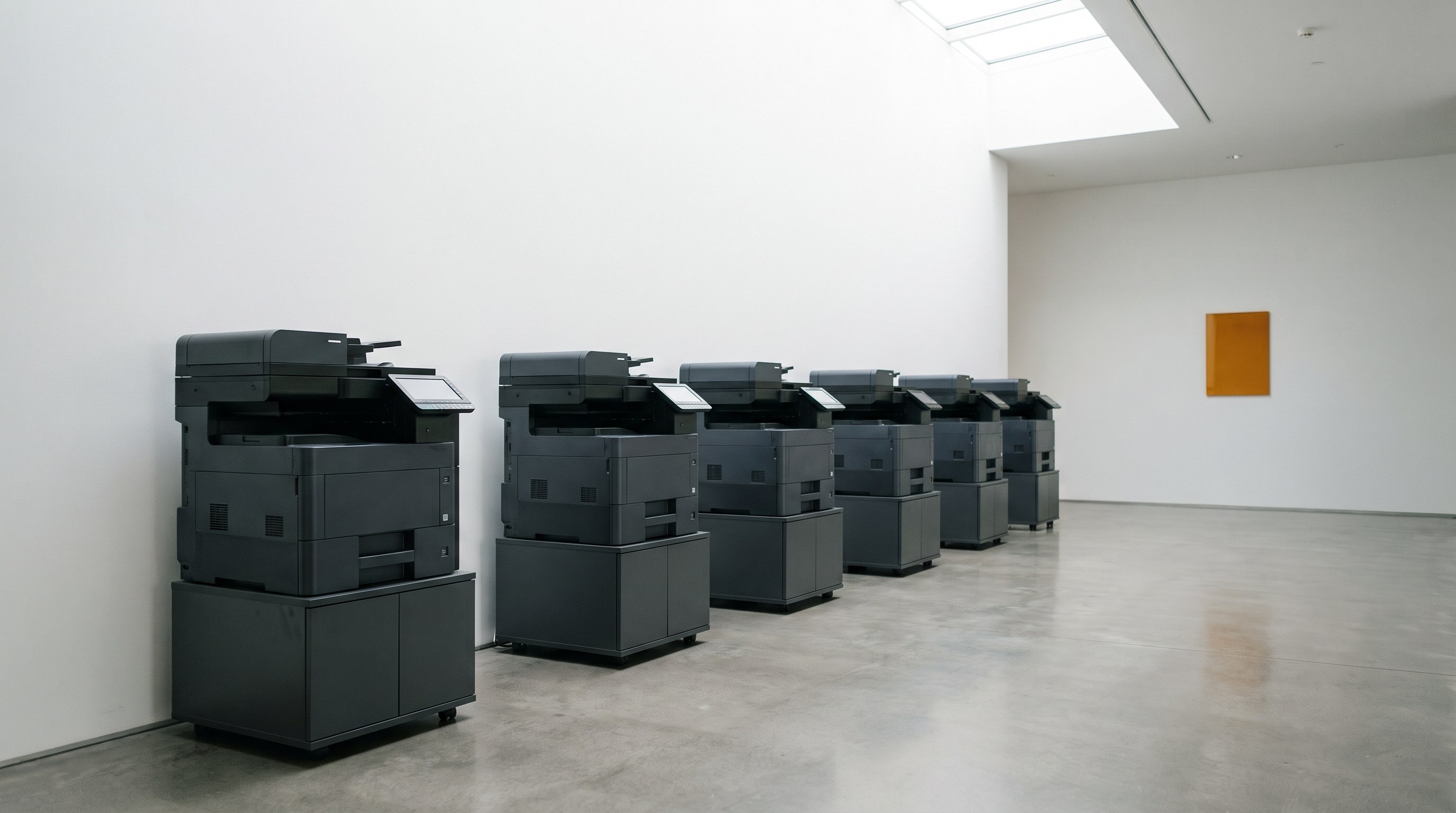
A uniform fleet of multifunction printers along an office wall

Implementation at Scale

Rollouts planned around the stores, not around us.

Large retail implementations have to account for operating hours, location access, IT coordination, device staging and minimal disruption to store personnel.

During Northgate’s 2026 fleet refresh, Revolution Office’s field team installed 108 printers across approximately three weeks while continuing to support its normal service responsibilities.
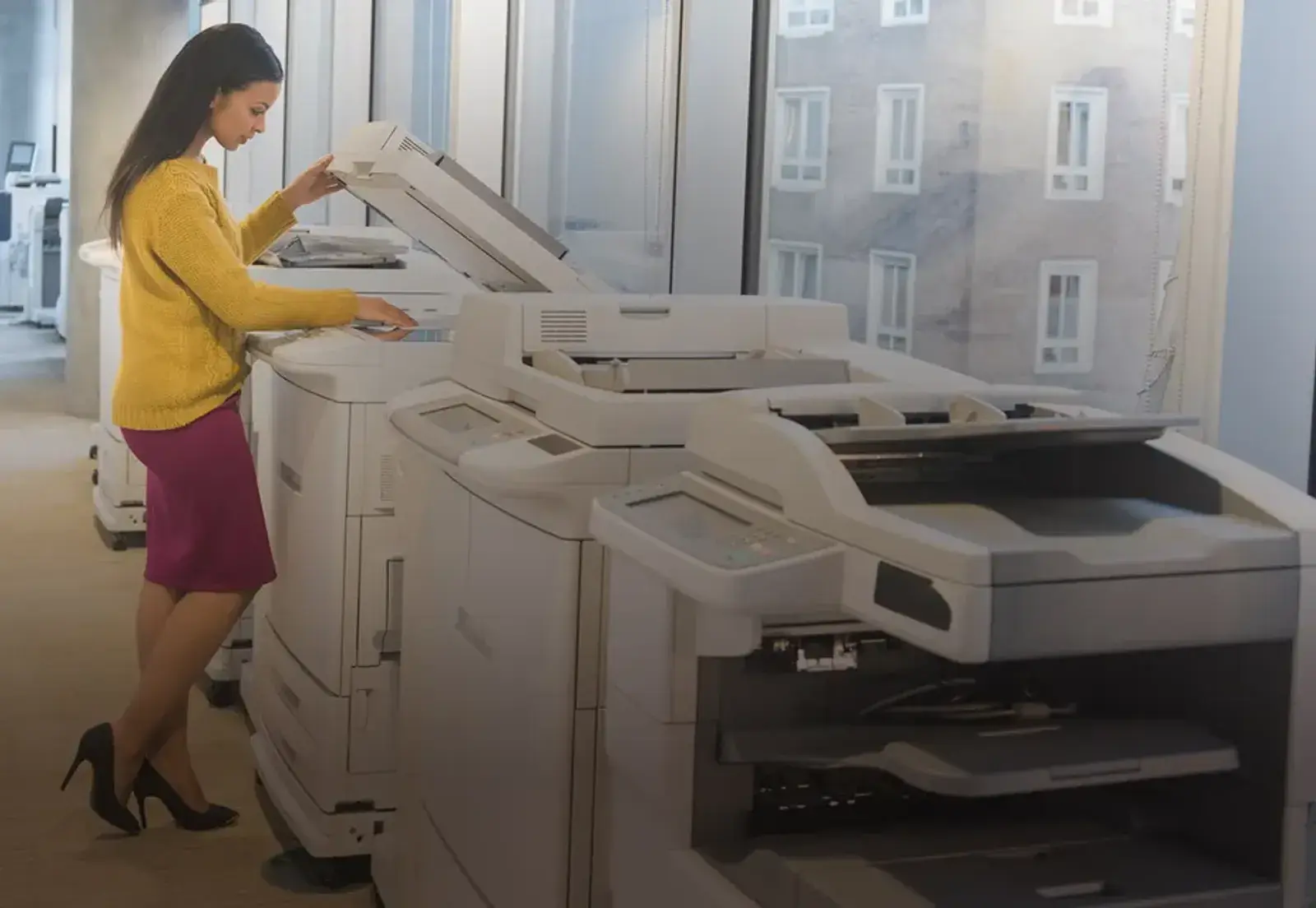
Staff member working at a multifunction device

Automated Supply Management

Take toner ordering off the store’s to-do list.

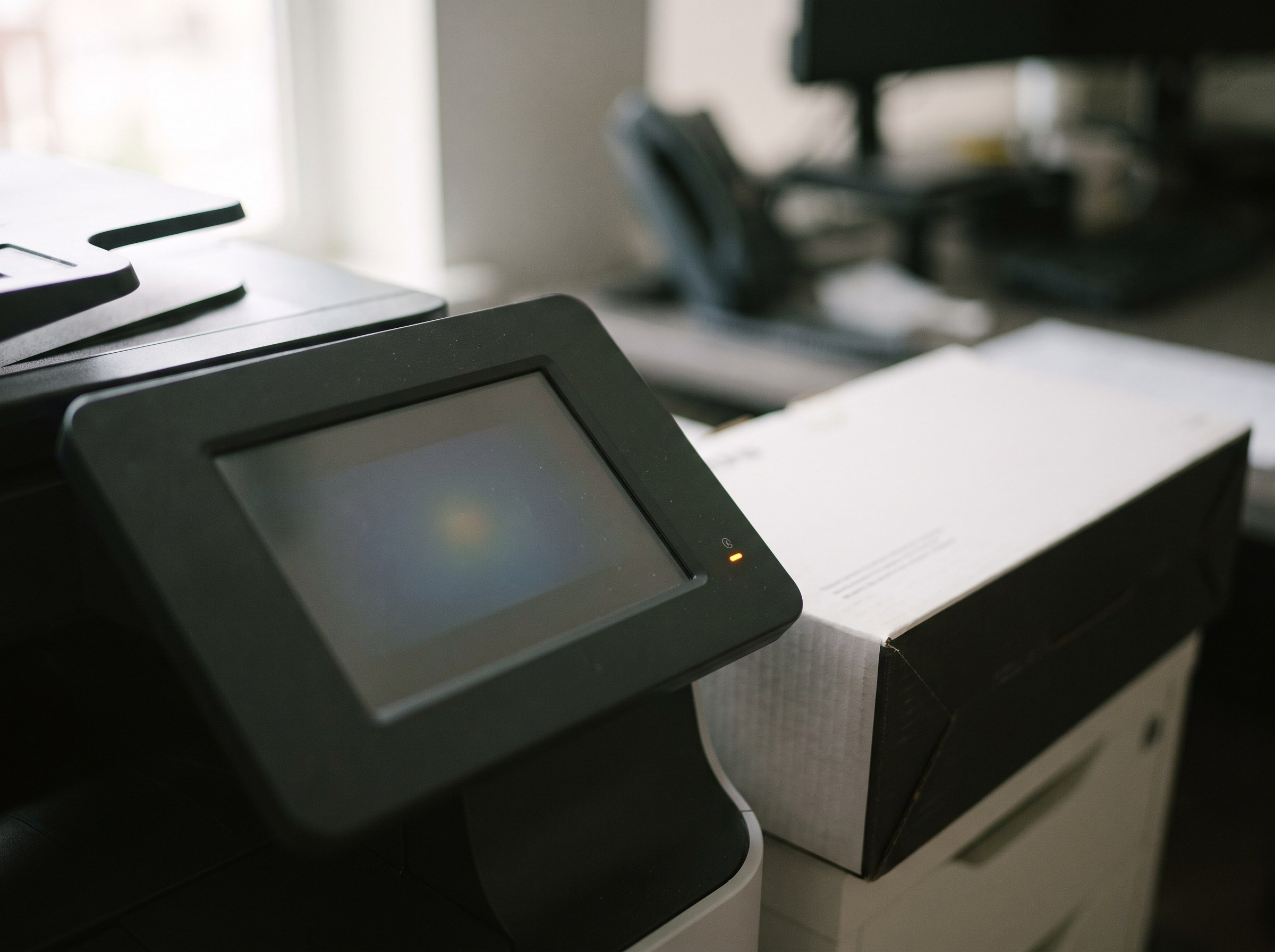
Where devices support monitoring, supply levels can be tracked centrally and replacement toner can be shipped based on actual consumption, reducing emergency purchasing, excess inventory and store-level administration.
  • Device-level supply monitoring
  • Automated replenishment
  • Device/location labeling
  • Centralized supply visibility
  • Reduced local purchasing
  • Reduced supply closets
  • Better utilization data
Multifunction printer control panel with a status light and a toner box

Service Across the Store Network

One accountable service process across locations.

Multi-location retailers need a consistent way to request service and escalate issues regardless of which store has the problem. Revolution Office coordinates service across the managed environment while providing centralized accountability and performance visibility.
  • 95% Uptime Guarantee
  • Four-Hour Average Response Time
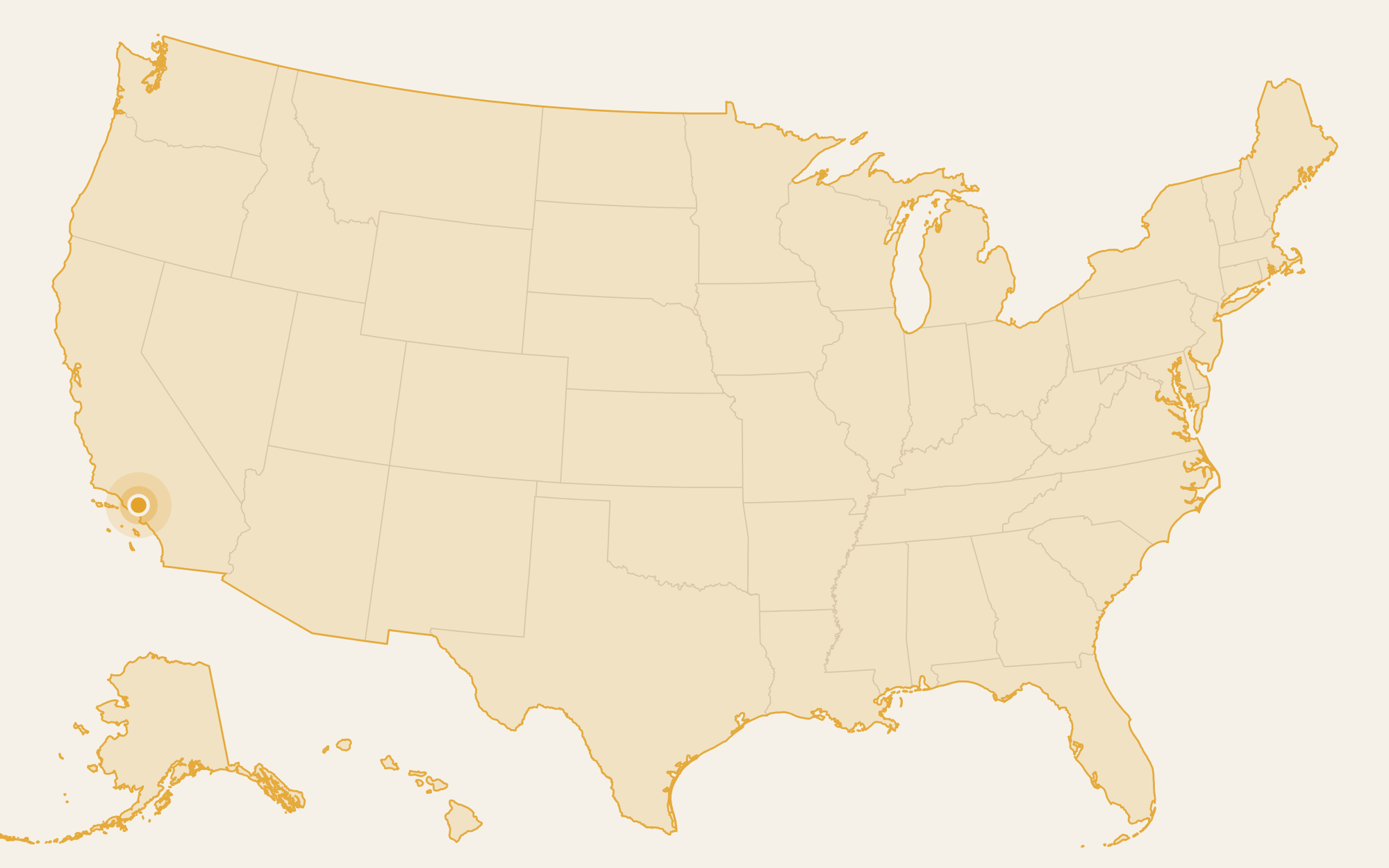
Map of the United States with Revolution Office headquarters marked in Chatsworth, California

Ongoing Fleet Management

Implementation is the beginning, not the end.

Store networks continue to change after implementation. Devices age. Locations change. Usage shifts. New stores open. Service patterns emerge. A managed program should keep evaluating the environment after the initial rollout.

  • Regular account/service review
  • Fleet reporting
  • Service-performance review
  • Supply activity
  • Device lifecycle
  • Utilization trends
  • New-location requirements
  • Optimization opportunities

The assessment establishes the baseline. Ongoing management keeps it from drifting back.

Built for Growth

Add stores without rebuilding the print strategy every time.

Once technology standards, service processes and fleet governance are established, new locations can be evaluated and incorporated into the managed environment more consistently.

  • Standard device classes
  • Defined deployment process
  • Network/device requirements
  • Centralized service setup
  • Supply enrollment
  • Reporting/location mapping
  • Lifecycle standards

Print Management & Security

Shared devices can still handle sensitive information.

Store and corporate printers may process employee information, financial documents, vendor information, HR records and, in environments where applicable, pharmacy or other regulated information. Those devices should be considered as part of the organization’s broader security strategy.

Potential controls:

  • Secure print release
  • User authentication
  • Usage reporting
  • Device security configuration
  • Firmware/lifecycle management
  • Appropriate end-of-life procedures

Built Around Retail Operations

Finance, IT and store operations need different things from the same environment.

Operations
  • Reliable store technology
  • Simple service process
  • Less local administration
  • Automated supplies
IT
  • Device standards
  • Centralized visibility
  • Reduced support burden
  • Security
  • Lifecycle planning
Finance
  • Cost visibility
  • Contract visibility
  • Store-level reporting
  • Budget predictability
  • Savings opportunities

Explore Office Technology

Grocery FAQ

Questions Grocery Organizations Ask

Can you manage hundreds of devices across many stores?

Yes. Revolution Office manages large distributed fleets with centralized service coordination, supply management, reporting and account ownership. Northgate Markets is one example, with approximately 356 devices in its managed environment.

Do store managers still have to order toner?

Automated supply monitoring and replenishment can significantly reduce store-level toner ordering where supported. Supplies can be triggered by device consumption and shipped to the appropriate location, reducing emergency purchasing and unnecessary inventory.

Do we have to replace all our printers?

No. The Managed Print Assessment evaluates existing devices based on utilization, age, reliability, support status, workflow and economics. Equipment that continues to meet the organization’s needs may remain in the managed environment.

Can you roll out equipment across many stores without disrupting operations?

Yes. Large deployments are planned around location access, store schedules and IT requirements. During Northgate Markets’ 2026 targeted fleet refresh, Revolution Office installed 108 printers across approximately three weeks.

Can we see costs and performance by store?

The managed environment can be organized by location so leadership has greater visibility into devices, utilization, service, supplies and costs across the store network.

Can new stores be added to the program?

Yes. New locations can be evaluated against established fleet standards and incorporated into the managed service, supply and reporting structure based on their requirements.

What does the Managed Print Assessment cost?

Nothing. The assessment is provided at no cost and without obligation. We document the current environment and provide a data-backed analysis and future-state recommendation. You keep the analysis whether or not you choose to move forward with Revolution Office.

The First Step

See the entire store network as one print environment.

Start with a no-cost Managed Print Assessment. We’ll document the devices, utilization, costs, service, supplies and requirements across your stores and operational locations, identify opportunities for improvement, and show you what a better-managed future state could look like.

  • No cost
  • No obligation
  • You keep the analysis